You can block YouTube on a computer by using Freedom to prevent access across all browsers. Once YouTube is added to your blocklist, it stays blocked during your sessions.
Freedom works on Mac and Windows and blocks YouTube across Chrome, Safari, Edge, and other browsers at the same time. You can schedule blocks in advance or start instantly, and Locked Mode prevents turning it off mid-session.

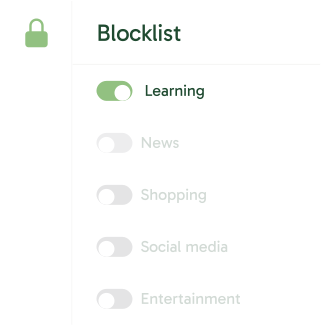
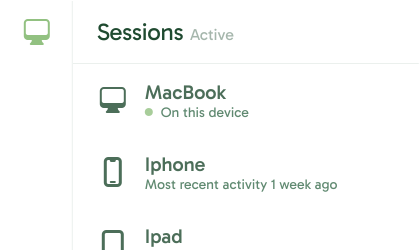




Take back your focus by blocking YouTube on all your devices. Whether for work, study, or simply peace of mind, Freedom helps you stay distraction-free with just a few clicks.
Download and install the Freedom app on your Mac or Windows computer.
.svg)
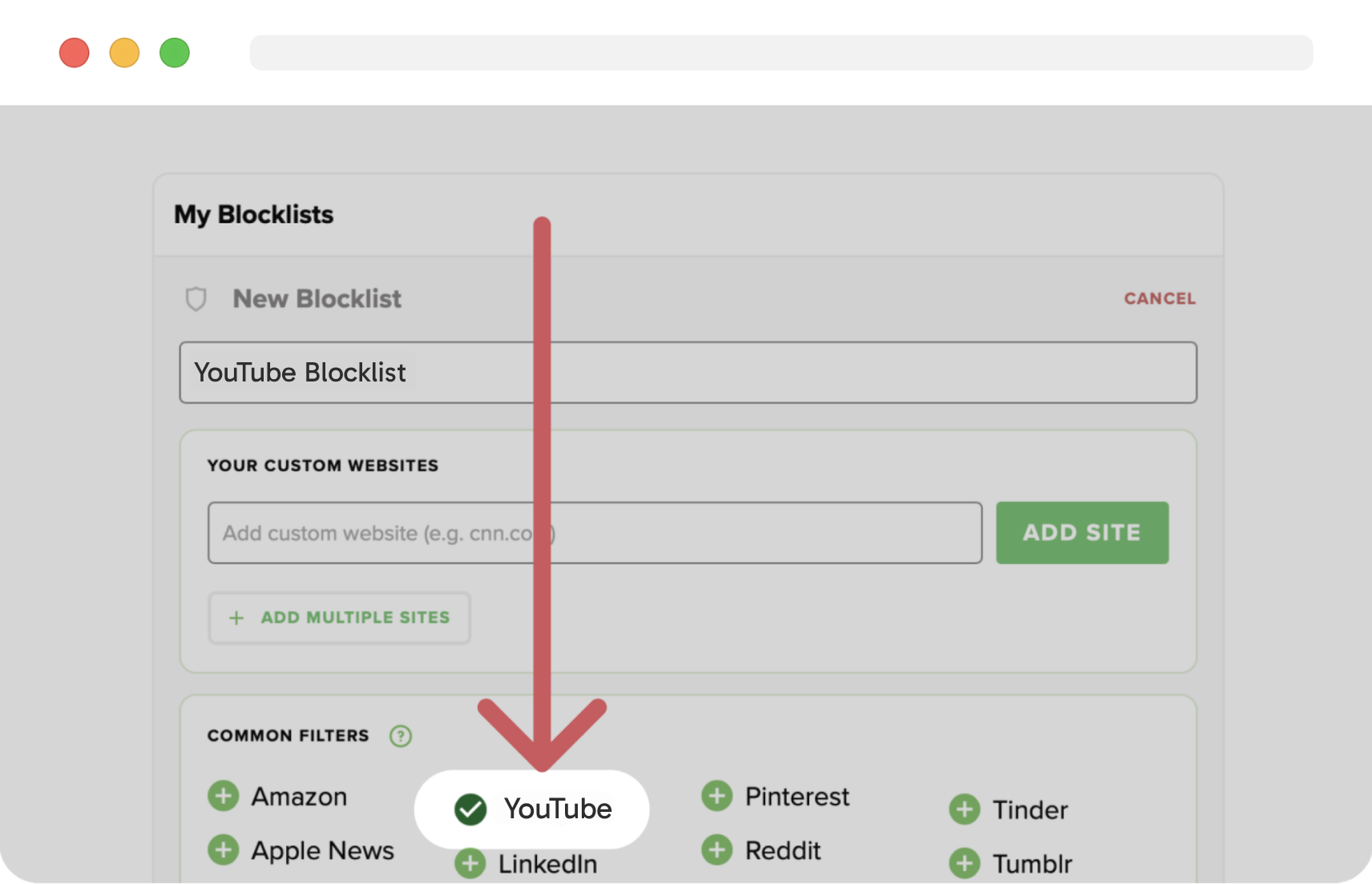
On the Freedom Dashboard, add YouTube to your blocklist.
Decide when to block YouTube on a computer by starting or scheduling a session.

Go do things that matter most to you.


Think of Freedom as your personal productivity coach. Here’s why you’ll love it: