Gen Z Is Going Back to Flip Phones. You Don’t Have To.

Right now people are paying $899 for a phone that can’t open Instagram, then waiting months for delivery. That’s the Light Phone 3. It has no browser, no email, no app store, and people are lining up for it.
Flip phones are coming back and the people buying them aren’t anti-tech, but rather people who are tired of feeds and recognize how much time they spend on their screens.
There is even a website built to help you pick one. The Dumbphone Finder lets you filter phones by only the necessary basic apps that you might need, like WhatsApp, Spotify, or maps.
Most people who switch find out the hard way what they still need. The first time your bank asks you to approve a login in its app, you’re digging the iPhone out of the junk drawer.
You take it out for 30 seconds. Forty minutes later, you’re still on it.
What flip phone fans are after is quiet; the separation from all the attention-grabbing aspects of a smartphone, and reclaiming the hours they’ve lost every day to doomscrolling.
You can get that quiet on the phone you already own and keep maps, your bank, and your two-factor codes, and yes, even enjoy videos in a controlled, intentional way.
Let’s jump into it.
Are Flip Phones Coming Back? The Numbers Say Yes (for Some People)
Yes, flip phones are coming back, mostly with young US adults. In 2025, CivicScience found 39% of Gen Z smartphone owners are at least somewhat likely to swap to a flip phone, versus 23% of all smartphone owners.
The same poll found 68% of Gen Z adults feel at least somewhat addicted to their devices.
The interest has been building for a while:
- 2022: HMD Global, the maker of Nokia phones, sold tens of thousands of flip phones a month in the US, even as its global feature phone sales fell (CNBC).
- 2024: A Morning Consult survey of 2,202 US adults found 28% of Gen Z adults want a “dumb phone,” versus 9% of baby boomers. And 64% of Gen Z adults said they spend 5 or more hours a day on their smartphone.
- 2026: Dumb.co, a startup selling flip phones with no social media, told CBS News in August that it has more than 5,000 active users. Its typical customer? A 24-year-old woman.
The gear is catching up too. As of October 2026, the $899 Light Phone 3 is taking reservations for late-December delivery, and Light’s $349 Light Phone Flip is on pre-order for May 2027. People are literally waiting months for a phone that does less.
So clearly the demand is real.
The question is what people are actually trying to escape.

Why is Gen Z Ditching Smartphones?
Gen Z’s complaint is with feeds. A 2023 Gallup survey found the average US teen spends nearly five hours a day on social media, and the people switching describe that time as lost.
Dr. Jason Nagata, a pediatrician at UC San Francisco, told CBS that app design can trigger signs that look like substance addiction: losing control, withdrawal, needing more, and relapse.
The upside? People who cut back often sleep better, focus better, and feel less stressed.
And the courts are paying attention. In March 2026, a jury found Meta and YouTube liable for building products that led to harmful, addictive use by young people.
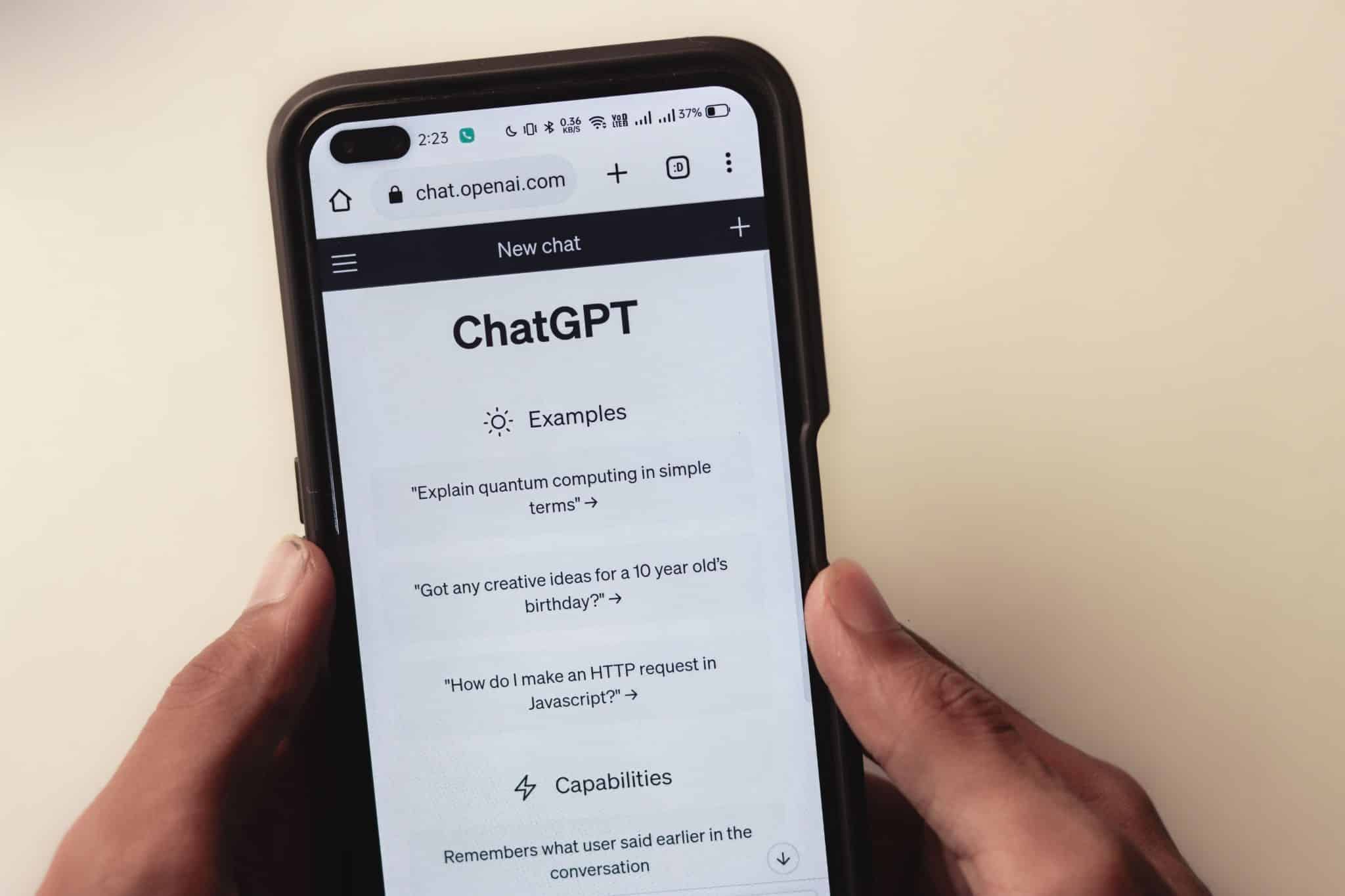
AI chatbots are in the spotlight too. OpenAI faces a stack of lawsuits over ChatGPT, including at least 19 wrongful death suits filed by a single law firm. The families say ChatGPT’s design hooked vulnerable users and failed to protect minors. OpenAI denies the claims, and no court has ruled on liability yet. In June 2026, Florida’s attorney general also sued, alleging minors have become addicted to the chatbot.
On Reddit, Jose Briones, a moderator of r/dumbphones, told CNBC that some Gen Z groups are “tired of screens.” One forum member said their brain would “fog up” when they were always on their smartphone. Another user said carrying a phone created a kind of constant background anxiety.
Many people in the community keep email, Spotify, Google Maps, or work apps. They quit the scroll and kept the rest.
That is the whole idea behind digital minimalism: keep the tools that serve you, cut the rest.
What Does a Flip Phone Actually Cost You?
A flip phone costs you more than the price tag. It costs you the boring, useful stuff: directions, bank logins, group chats, and rides. Even companion flip phones charge for the workaround. As of October 2026, Dumb.co’s Dumbphone 2 is $20, but syncing it with your smartphone needs the $20.99-a-month plan.
None of this makes flip phones a bad call. It just means you should know the trade before you’re stuck at a bus stop.
Say you’re going to a party across town at an address you’ve never seen. On a classic flip phone, that means printing directions, asking a friend, or hoping the phone’s basic nav app knows the street.
Some newer dumb phones add Waze or offline maps, but many basic flips don’t.
Texted codes work fine on a flip phone. The problem is everything else. Many banks now push you to approve logins in their app, and authenticator apps like Google Authenticator or Duo need a smartphone.
If your work login uses Duo push approvals, a flip phone can leave you locked out of your own laptop.
And another one people underestimate. Owners of the new Light Phone 3 say group chats can get messy after leaving iMessage. Sunbeam’s flip phones can’t send or receive RCS, so friends may need to switch the group to old-school MMS just to include you. Your roommates’ thread about the party?
You might get every message as a separate text. Or none at all.
Need an Uber home at 1 a.m.? A concert ticket that only lives in an app? Tap to pay at the coffee shop? Most basic flip phones can’t do any of these. A few minimalist phones, like the Light Phone 3, include Uber and Lyft, but the $899 price shows how much it costs to add the essentials back.

How Do You Turn Your iPhone into a Dumb Phone?
You turn your iPhone into a dumb phone by making it dull, quiet, and feed-free. These four changes go after the apps that eat your hours, and leave Maps, banking, and your texts alone.
- Go gray: Color is a big part of why apps feel like candy. Grayscale makes your phone look like a newspaper from 1998. It sounds too simple to work. Try it for one evening and watch how fast Instagram loses its glow.
- Strip the home screen to one page of tools: Your home screen is a menu. Right now it’s probably offering you dessert first. Keep one page with all your tools and everything else lives in the app library.
- Turn off notifications: Every buzz is an invite back in. Cut the invites. Turn off alerts for social, news, and shopping.
- Block the feeds, not the phone: Deleting apps helps until you open Safari and log in from the browser. Apple’s screen time limits help until you tap the Ignore limit at 11:58pm. The fix is to block the feeds themselves, both the apps and their websites. Use Freedom to block out the apps that drain most of your phone time.
For the next big news night, set a recurring news block from 8 p.m. to midnight. You will still find out what happened. You just won’t refresh the page 300 times to get there.
Try a 7-Day Dumb Phone Test Before You Buy Anything
Before you spend $899 on a Light Phone 3, or even $20 on a Dumbphone 2, test the idea on the phone you already own. One week is enough to see which of those hours you actually miss.
- Day 1: Get your baseline. Open Settings > Screen Time > See All App & Website Activity. Write down your daily average and your top three time-eaters.
- Day 2: Make it boring. Turn on grayscale and cut your home screen to one page of tools.
- Day 3: Go quiet. Turn off every notification that isn’t a real person calling or texting you.
- Day 4: Block your top three. Block those apps and their websites. With Freedom, add your phone and your laptop to the session, since a session only blocks the devices you add to it.
- Day 5: Leave it in another room. Pick one evening, put the phone in the kitchen, or plug it into a corded handset so you can still take calls without picking it up, and use a $10 alarm clock for the morning.
- Day 6: Lock your nights. Set a 9 p.m. to 9 a.m. block and turn on Locked Mode so you can’t cancel it at midnight.
- Day 7: Compare. Check Screen Time again. Then pick one: keep this setup, add a flip phone for weekends, or switch for real.
Freedom’s free plan covers sessions you start yourself for up to 2 hours on unlimited devices. Scheduled sessions, all-day blocks, and Locked Mode need Premium, and its 7-day free trial lines up neatly with this test.
Keep the Phone, Lose the Pull
Maybe you’re thinking, “I’ve tried this before. I always end up back on my phone.”
Every feed on your phone has a room full of brilliant engineers and behavioral designers on the other end, testing which video keeps you watching one more minute. Your tired brain at midnight was never going to win that fight on willpower alone.
So stop fighting it with willpower. Automate it. Make it go quiet at fixed times. Keep your bank app for rent day. Keep your two-factor codes for work. Just lose the part that steals your nights.
The flip phone crowd is right about one thing: you don’t need the feed to have a good day, and sometimes a digital detox helps. You get to finish that book you have been meaning to read. Speak to that friend you haven’t spoken to in ages. Fall asleep before 1 a.m.
If you are looking to get the flip phone break without giving up your critical apps, give Freedom a try. Block social and news on a schedule or all day, lock it with Locked Mode, and sync it across your phone and laptop. Try it here.